# Database
Note: The Database feature is currently available only for self-hosted Stormkit instances.
Stormkit's Database feature provides each environment with an isolated PostgreSQL schema, complete with automatic schema migrations and secure credential management. This allows you to develop and deploy database-backed applications with confidence.
## How it works
When you attach a database to an environment, Stormkit:
1. **Creates an isolated schema** - A dedicated PostgreSQL schema (e.g., `a123e456`) for your environment
2. **Generates secure credentials** - Two separate database users with different permission levels:
- **Migration user** - Has DDL permissions (CREATE, ALTER, DROP tables) with strict resource limits
- **App user** - Has DML permissions only (SELECT, INSERT, UPDATE, DELETE) for runtime operations
3. **Injects environment variables** - Connection details are automatically available in your application
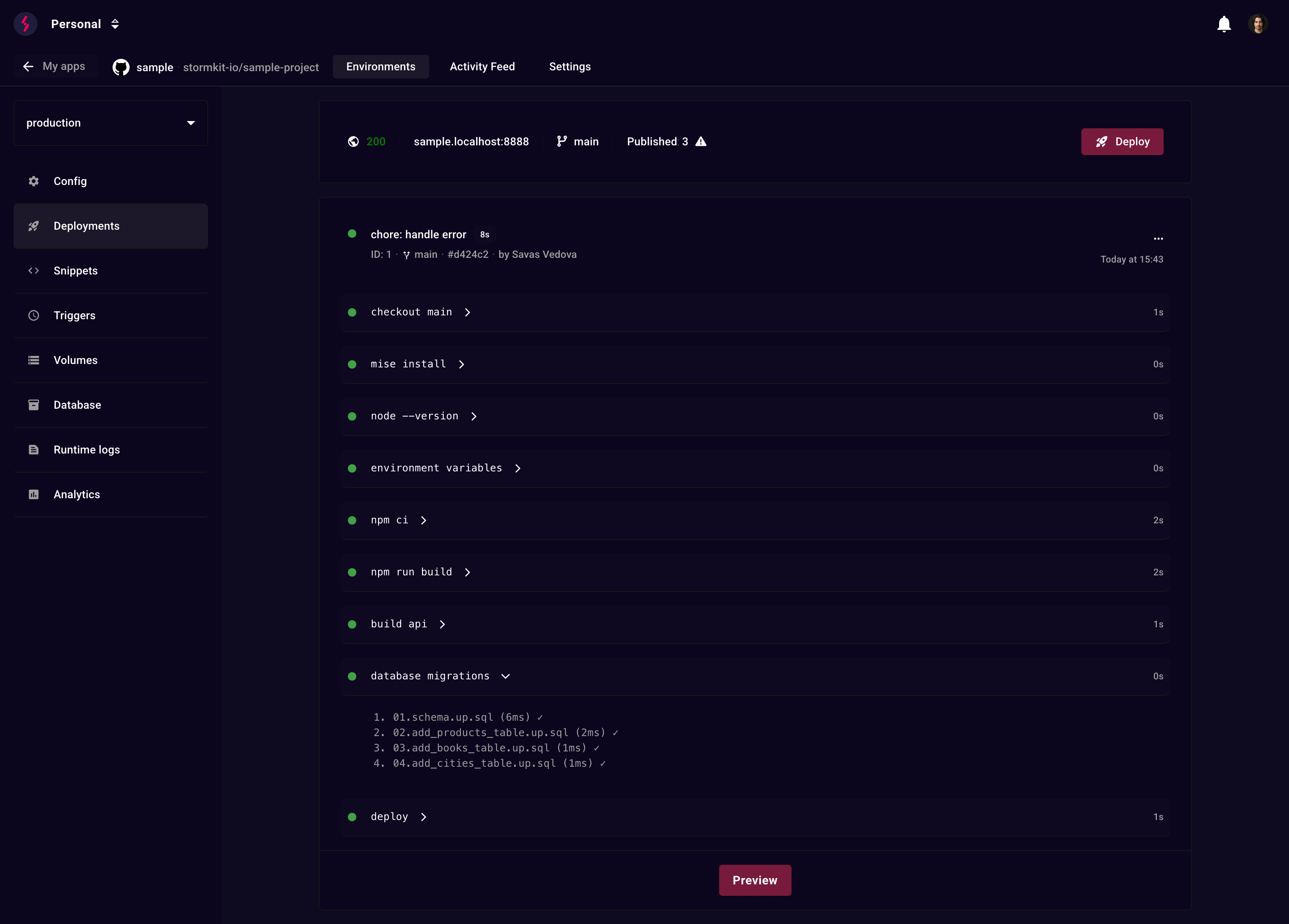
4. **Runs migrations** (optional) - Executes SQL migrations from your repository during deployment
## Attaching a database
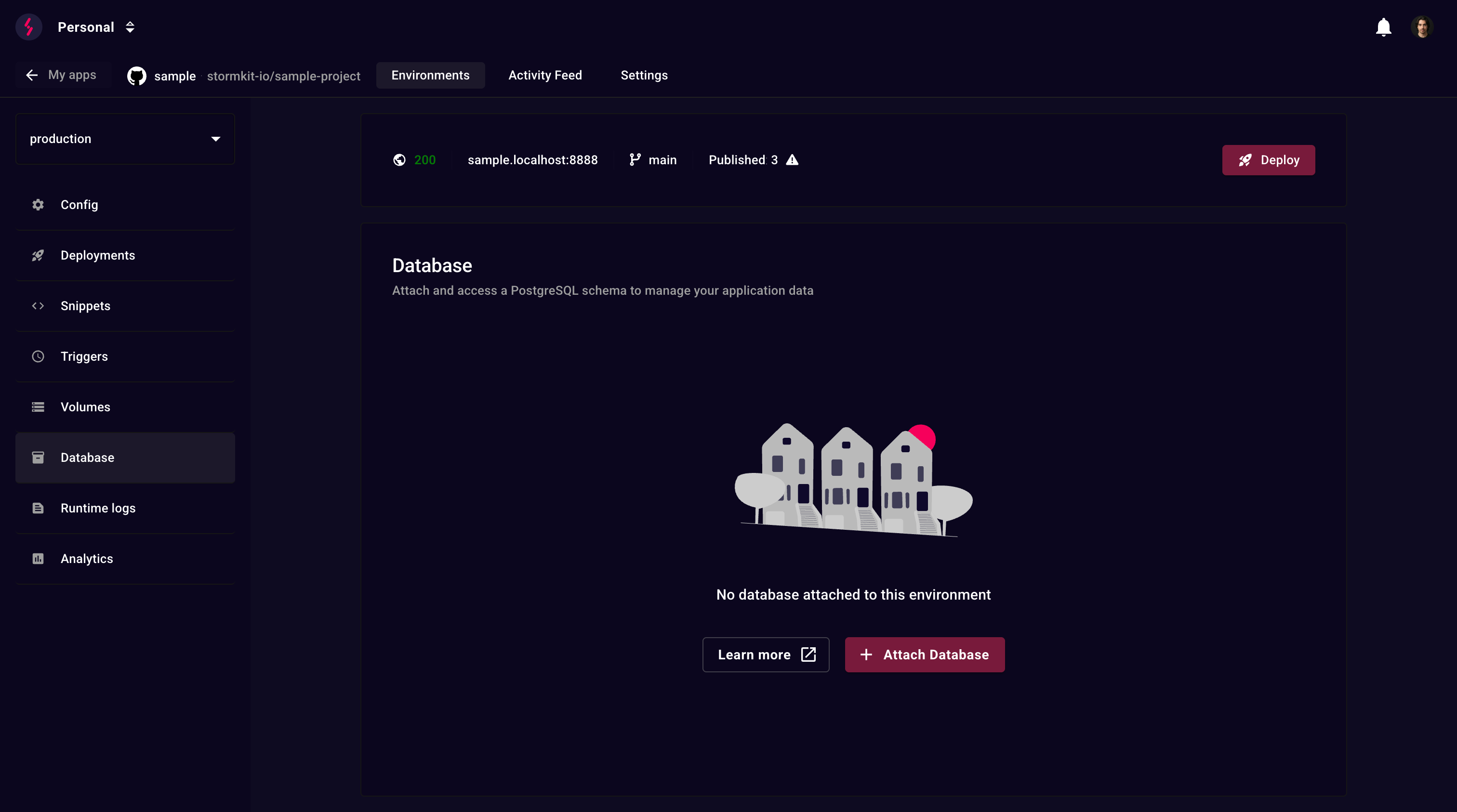
Navigate to your environment's Database section and click **Attach Database**.
## Automatic migrations
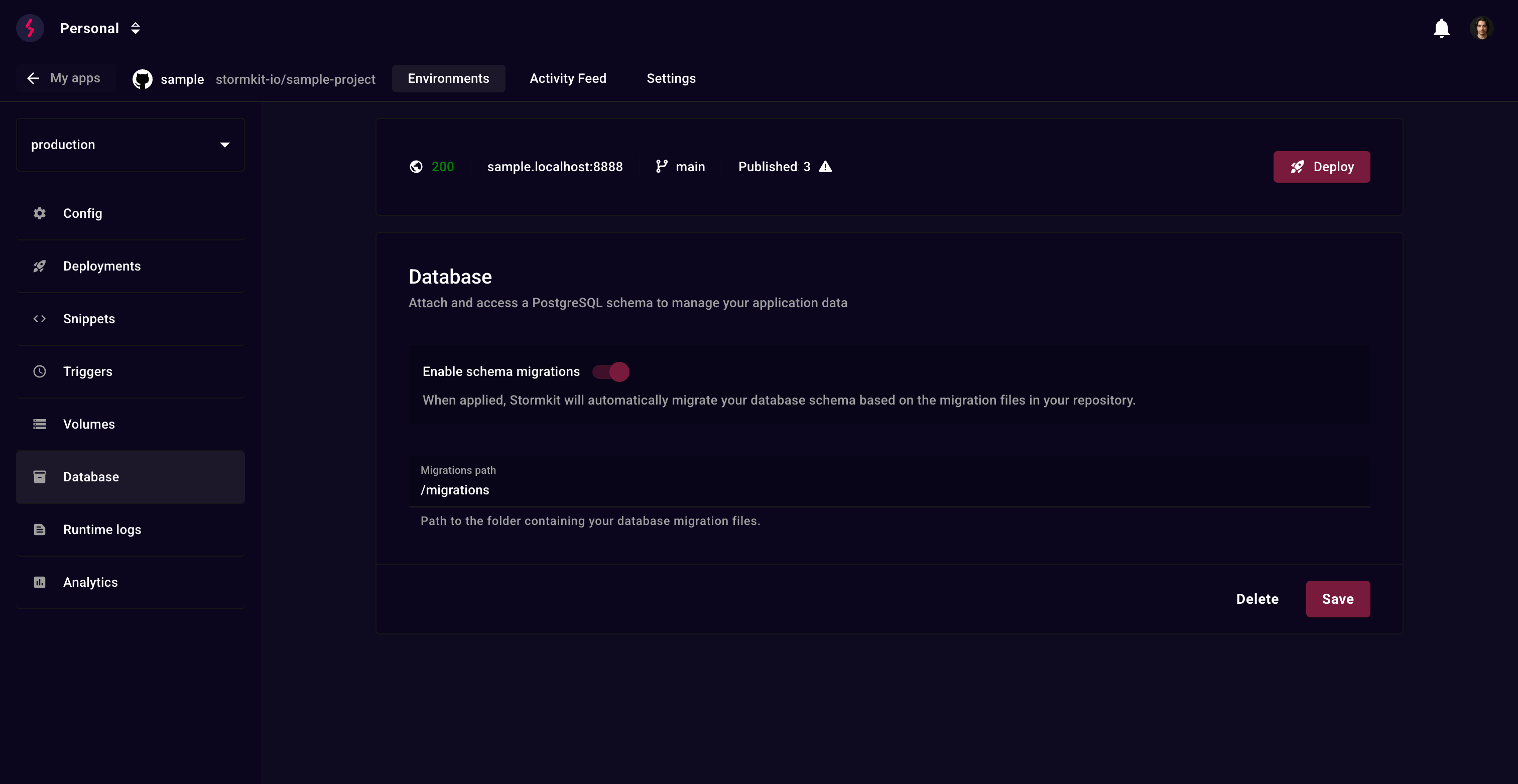
Enable **schema migrations** to automatically apply SQL migration files during deployment.
### Why SQL-based migrations?
Stormkit's migration system is designed for simplicity and power:
- **Fast iteration** - Save a migration file and see database changes applied in milliseconds during deployment
- **Roll-forward only** - No rollback complexity to maintain. If something breaks, fix it forward with a new migration
- **No learning curve** - Write plain PostgreSQL syntax, no custom DSL or ORM to learn
- **Full PostgreSQL power** - Direct SQL execution means access to all PostgreSQL features: triggers, functions, custom types, extensions, and more
### Configuration
1. Enable the **Enable schema migrations** toggle
2. Set the **Migrations path** (e.g., `/migrations`, `/db/migrations`)
### Migration files
Place your SQL migration files in the configured path and deploy your application:
```
/migrations
├── 001_create_users.sql
├── 002_add_posts.sql
└── 003_add_comments.sql
```
**Important**:
- Files are executed in **alphabetical order** - use numeric prefixes (001, 002, etc.)
- Each file is executed **once per deployment**
- Failed migrations **abort the deployment**
- If the content of a previously executed file changes, it is re-executed
- The migrations are executed only when environment's default branch is updated
### Example migration file
```sql
-- migrations/001_create_users.sql
CREATE TABLE IF NOT EXISTS users (
id SERIAL PRIMARY KEY,
email TEXT NOT NULL UNIQUE,
name TEXT NOT NULL,
created_at TIMESTAMPTZ DEFAULT NOW()
);
CREATE INDEX idx_users_email ON users(email);
```
## Environment variables
The following environment variables are automatically injected into your application:
```bash
DATABASE_URL=postgresql://user_name:secure_password@db_host:5432/db?options=-csearch_path=my_schema
POSTGRES_USER=user_name
POSTGRES_PASSWORD=secure_password
POSTGRES_HOST=db_host
POSTGRES_PORT=5432
POSTGRES_DB=db
POSTGRES_SCHEMA=my_schema
```
You can use these in your application:
```typescript
// Next.js, Remix, etc.
const db = new Client({
connectionString: process.env.DATABASE_URL,
});
```
## Security & permissions
### Migration user
Used **only during deployments** with resource limits:
| Configuration Option | Value |
| ------------------------------------- | ------- |
| `statement_timeout` | `30s` |
| `lock_timeout` | `10s` |
| `temp_file_limit` | `100MB` |
| `work_mem` | `4MB` |
| `idle_in_transaction_session_timeout` | `60s` |
| `connection limit` | `1` |
**Can do**: `CREATE`/`ALTER`/`DROP` tables, indexes, and sequences within the schema
**Cannot do**: Access other schemas, create databases, modify roles, or access the file system
### App user
Used by your **running application** with runtime limits:
| Configuration Option | Value |
| ------------------------------------- | ------- |
| `statement_timeout` | `15s` |
| `lock_timeout` | `5s` |
| `temp_file_limit` | `100MB` |
| `work_mem` | `8MB` |
| `idle_in_transaction_session_timeout` | `60s` |
| `connection limit` | `10` |
**Can do**: `SELECT`, `INSERT`, `UPDATE`, `DELETE` on tables and sequences
**Cannot do**: `ALTER`/`DROP` tables, `CREATE` tables, or access other schemas
## Deleting a schema
To delete a schema:
1. Navigate to Database section
2. Click **Delete**
3. Confirm the deletion
**Warning**: This action:
- Drops the schema and **all data** permanently
- Removes both migration and app users
- Terminates active database connections
- Cannot be undone
## Best practices
### Migration files
- **Use numeric prefixes or timestamps** for ordering: `001_`, `002_`, `003_`
- **Make migrations idempotent** when possible: Use `IF NOT EXISTS`, `IF EXISTS`
- **Keep migrations small** and focused on one change
- **Test migrations locally** before deploying
- **Never modify existing migrations** - create new ones to fix issues
## Limitations
- **PostgreSQL only** - Other databases are not supported
- **Single schema per environment** - Each environment gets one schema
- **Migration rollback** - Rollbacks must be handled with new migration files