Deploy a Remix App on your server with this step-by-step guide.
## Prerequisites
- A GitHub account
- A [self-hosted Stormkit instance](/tutorials/how-to-self-host-stormkit-on-hetzner-cloud) for deployment
- Basic knowledge of Git and terminal commands
## 1. Create a Remix Project
Start by creating a new Remix project locally using the following command:
```
npx create-remix@latest
```
This command initializes a new Strapi project in a folder named strapi.
Follow the prompts to configure your project:
- Initialize a new git repository? Yes
- Install dependencies with npm? Yes
Once complete, navigate to the project folder and run `npm run dev` to verify the setup.
## 2. Push to your GitHub repository
Create a new repository on GitHub, and come back to your terminal to push the repository to GitHub.
```bash
git remote add origin git@github.com:
git push -u origin HEAD
```
## 3. Deploy on Stormkit
### Importing your project
- Log in to your Stormkit account at [app.stormkit.io](https://app.stormkit.io).
- Click to `Create new app` > `Import from GitHub`
- Choose your Remix project and click `Import`
### Configure your deployment
- Navigate to your Environments page
- Click on the `Config` tab and locate `Build settings`
- Specify the output folder as `./build` and click `Save`
- Next, navigate to the `Server settings`
- Provide the command that will start the server: `npm run start`
- Click `Save`
## 4. Verify the Deployment
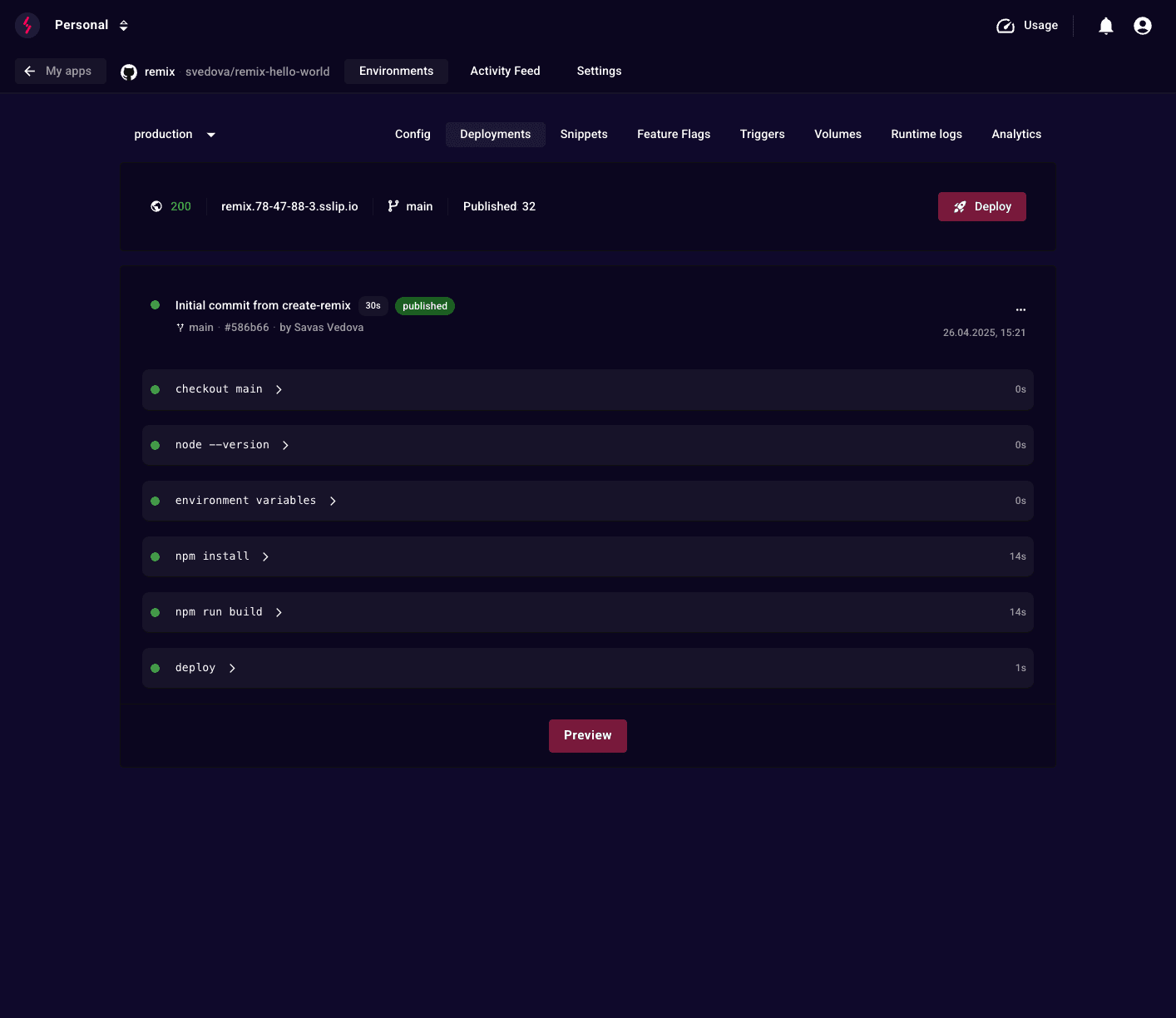
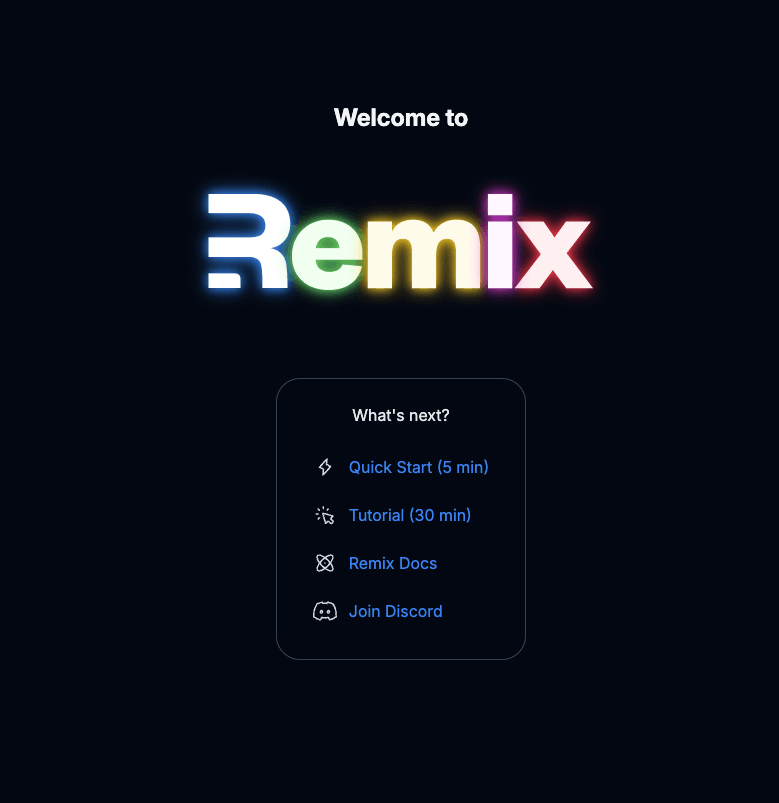
Once you went through all the steps mentioned above, go ahead and `Deploy` your Remix application. When the deployment is complete click on the `Preview` button to access your deployment.